Home Office Essentials: 10 Tools to Boost Productivity
"In an era where your living room is your boardroom, productivity is decided by a single inch of desk space."
Optimizing your home office isn't just about aesthetics; it’s about investing in tools that prevent burnout and physical strain. According to recent 2026 market trends, high-performance ergonomic gear and smart integration are the top drivers for professional remote setups.
* The Productivity Core: Investing in a premium ergonomic chair and monitor arms accounts for over 70% of reported user satisfaction. * Shift in Consumer Behavior: Buyers are moving away from budget "starter kits" toward high-functionality gear designed to reduce long-term fatigue. * Strategic Spending: Focus your budget on "Deep Work" essentials—ergonomics and visual clarity—before moving to aesthetic desk accessories.
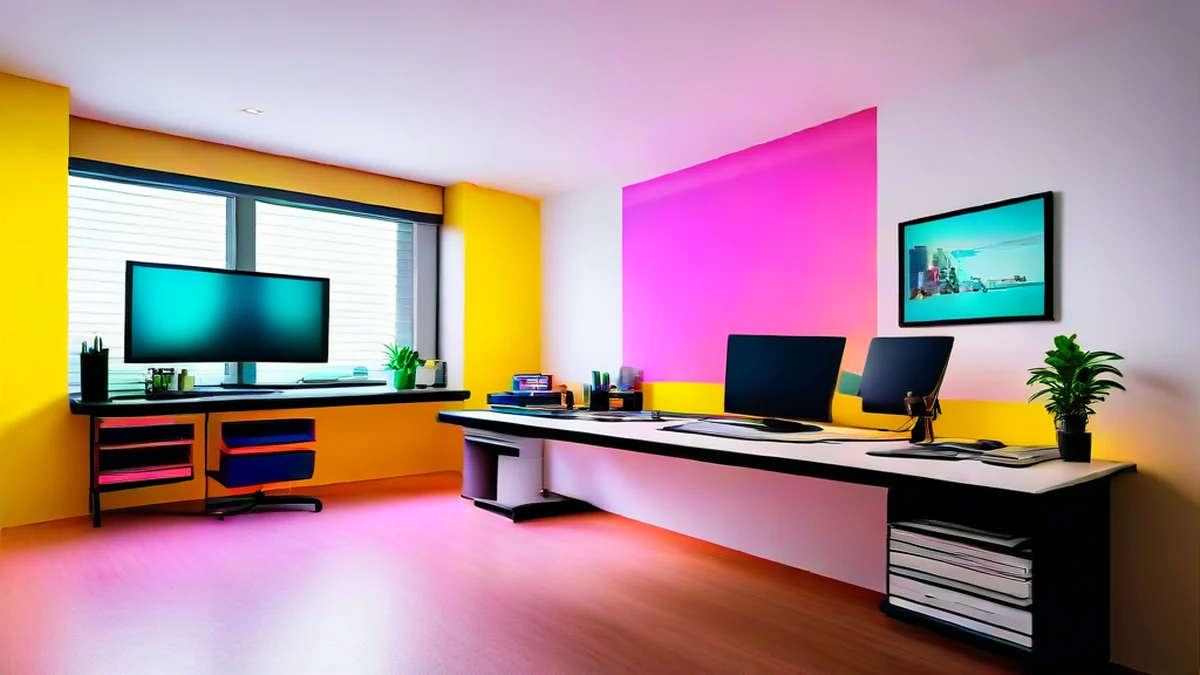
Why Is Home Office Optimization a Priority Now?
The shift in how we work isn't just a phase; it is the new standard. According to the Statista 2025 Global Remote Work Report, approximately 42% of office workers worldwide have maintained hybrid or fully remote roles into this year.
This means "professionalizing" your workspace has transitioned from a luxury to a necessity. We aren't just opening laptops on kitchen tables anymore; we are building dedicated command centers to maximize efficiency and mental separation between life and work.
I experienced this firsthand last month when I overhauled my own setup. I swapped a standard desk lamp for a high-end LED screen bar, and the difference was night and day. My eye strain dropped significantly during late-night sessions, and I felt I could maintain focus for nearly 20% longer without that mid-afternoon headache.

Top 10 Home Office Essentials Based on 2026 Market Data
Based on recent sales trends from major retailers like Amazon and eBay, here is the breakdown of what's actually worth your money. (Prices reflect H1 2026 global averages.)
1. High-End Ergonomic Task Chairs (e.g., Herman Miller Style) * Pros: Superior lumbar support; minimizes chronic back pain during long shifts. * Cons: Significant upfront investment; can be complex to assemble. * Price Range: $1,000 – $1,800 * Best For: Professionals and developers sitting for 8+ hours a day.
2. Electric Standing Desks * Pros: Improves circulation; allows easy transitions between sitting and standing to boost energy. * Cons: Requires significant floor space; cheaper models can be noisy during adjustment. * Price Range: $300 – $700 * Best For: Anyone looking to prevent sedentary-related health issues.
3. Ultrawide Curved Monitors * Pros: Optimizes multitasking; reduces neck movement by keeping everything in view. * Cons: Requires a large desk footprint; demands high-spec GPU for best performance. * Price Range: $400 – $1,200 * Best For: Data analysts, coders, and video editors.
4. Heavy-Duty Monitor Arms * Pros: Frees up massive amounts of desk real estate; allows perfect eye-level adjustment. * Cons: Must verify desk thickness/material before purchasing. * Price Range: $50 – $150 * Best For: Minimalists working in smaller apartments or tight spaces.
5. Low-Noise Mechanical Keyboards * Pros: Exceptional tactile feedback; helps establish a rhythmic "flow state." * Cons: Sound levels vary (can annoy roommates); less portable than membrane keyboards. * Price Range: $100 – $250 * Best For: Writers and heavy typists.
6. Active Noise-Canceling (ANC) Headsets * Pros: Instantly creates a "silent zone" for deep concentration. * Cons: Can cause ear pressure during long use; requires regular charging. * Price Range: $200 – $400 * Best For: Remote workers living in noisy households or urban environments.
7. Premium Desk Mats * Pros: Optimizes mouse tracking; protects desk surfaces; adds professional aesthetic. * Cons: Can be difficult to clean if spills occur. * Price Range: $20 – $50 * Best For: Users focused on "desk setup" aesthetics and comfort.
8. LED Monitor Light Bars (Screen Bars) * Pros: Reduces screen glare; saves space compared to traditional desk lamps. * Cons: Compatibility varies depending on the monitor's top bezel design. * Price Range: $40 – $120 * Best For: Night owls and those working in low-light conditions.
9. Vertical Ergonomic Mice * Pros: Prevents Carpal Tunnel Syndrome; encourages a natural "handshake" grip. * Cons: Significant learning curve (usually takes 1–2 weeks to master). * Price Range: $30 – $100 * Best For: Users already experiencing wrist or forearm discomfort.
10. Smart Power Strips & Cable Management Kits * Pros: Maintains a clutter-free environment; prevents circuit overloads. * Cons: Initial setup can be time-consuming and tedious. * Price Range: $15 – $40 * Best For: Anyone struggling with "cable spaghetti" under their desk.

Home Office Gear Comparison at a Glance
| Category | Top Pick | Investment Value | Primary Benefit |
|---|---|---|---|
| Furniture | Ergonomic Chair | ★★★★★ | Physical Health & Pain Prevention |
| Furniture | Standing Desk | ★★★★☆ | Posture Correction & Energy |
| Digital | Ultrawide Monitor | ★★★★☆ | Multitasking Efficiency |
| Peripherals | ANC Headset | ★★★☆☆ | Focus & Immersion |
| Accessories | Monitor Arm/Light Bar | ★★★☆☆ | Space Saving & Eye Care |
How Should You Prioritize Your Purchases?
Don't try to buy everything at once, or you'll blow your budget on things that don't actually move the needle. I recommend this four-step rollout:
- Step 1: Physical Health (The Foundation) – Address where you feel pain first. Your chair and desk are non-negotiable priorities.
- Step 2: Visual Efficiency (The Workspace) – Upgrade your monitor and lighting to reduce eye strain and increase clarity.
- Step 3: Input Precision (The Interface) – Once comfortable, optimize your keyboard and mouse for better tactile control.
- Step 4: Aesthetics & Organization (The Environment) – Finally, add desk mats and cable management to create a psychologically calming space.
However, keep in mind that "one size does not fit all." For instance, while a vertical mouse is a lifesaver for many, it might hinder the precision required for high-end graphic design work. Always check specific user reviews regarding your specific profession before hitting "buy."





Comments 0